
Device Compatibility
Confirm that a supported IPTV player is available for your Smart TV, Fire TV, Android or Google TV device, mobile device, computer or supported box.
Open setup guidesRequest a 24-hour MegaOTT IPTV free trial and test the service on the device, IPTV player and internet connection you actually plan to use. Check live TV, movies, series, EPG, available HD, Full HD and 4K playback, navigation and network stability before choosing a paid plan.
Use the trial to browse the categories and titles that matter to you. Logos and artwork are visual examples; current availability can vary by region, source and time.



















































Use the trial as a real compatibility test, not just a quick preview. Check the full path from player login and category loading to live TV, on-demand navigation, programme-guide data and everyday playback on your own network.
Confirm that a supported IPTV player is available for your Smart TV, Fire TV, Android or Google TV device, mobile device, computer or supported box.
Open setup guidesBrowse several live groups plus movies and series instead of judging the trial from one source. Check the categories that matter most to you.
Browse channel categoriesTest at the time and on the Wi-Fi or Ethernet connection you normally use. Compare multiple sources and available quality levels.
Check network guidanceAfter testing your device, important categories and normal connection, compare the available subscription periods only if the service fits your needs.
Compare current plansThe best trial is run on the exact setup you intend to keep. Use your main device, preferred IPTV player and normal home connection, then check more than one category and feature before deciding whether the service fits your needs.
Install a compatible player on the television, Fire TV device, Android or Google TV hardware, phone, tablet, computer or supported box you expect to use regularly.
Browse the sports, news, entertainment, kids, regional or language groups you actually care about. Current availability matters more than a headline catalogue count.
Use search and category menus to examine the listed 200K+ movies and 62K+ series, then test navigation and playback on several different titles.
Test during normal household usage on the same Wi-Fi or Ethernet connection you plan to keep. Compare multiple sources and quality options where available.
Follow a simple process so the 24-hour trial gives you useful information about compatibility, playback and the right next step.
Identify the Smart TV, Fire TV, Android or Google TV device, phone, tablet, computer or supported streaming box you intend to use.
Select MegaOTT TiviMate, MegaOTT IBO, MegaOTT Smarters or another supported player available for your operating system.
Contact MegaOTT support and mention your device and player so the initial guidance can match your intended setup.
Enter the temporary account information exactly as supplied, load the categories and refresh guide data where supported.
Check several live groups, movies, series, search, EPG and available picture-quality options on your normal home network.
After testing, compare a paid personal plan or review the separate MegaOTT reseller panel if you intend to manage customer subscriptions.
For faster support, include your device model, operating system, IPTV player and connection type when requesting the trial.
A useful 24-hour test covers the account, player, catalogue, picture quality and network—not just whether one channel opens.
Confirm the supplied temporary details load correctly in your selected compatible player.
Open the regional, sports, news and entertainment categories that matter to your household.
Search several on-demand titles and check browsing, episode organisation and playback controls.
Refresh the programme guide and confirm schedule data appears in supported groups and players.
Compare the quality options available for different sources and make sure your device can decode them smoothly.
Where supported, test replay controls and confirm the available catch-up window for the source you use.
Test on the same Wi-Fi or Ethernet connection and at the same time of day you normally watch.
Know how to contact support and what device, player and error details to provide if something does not work.
Explore MegaOTT IPTV player guides for Android TV, Amazon Fire TV, Smart TV, mobile devices and computers. Each guide includes app screenshots, installation steps, login instructions and playlist setup.
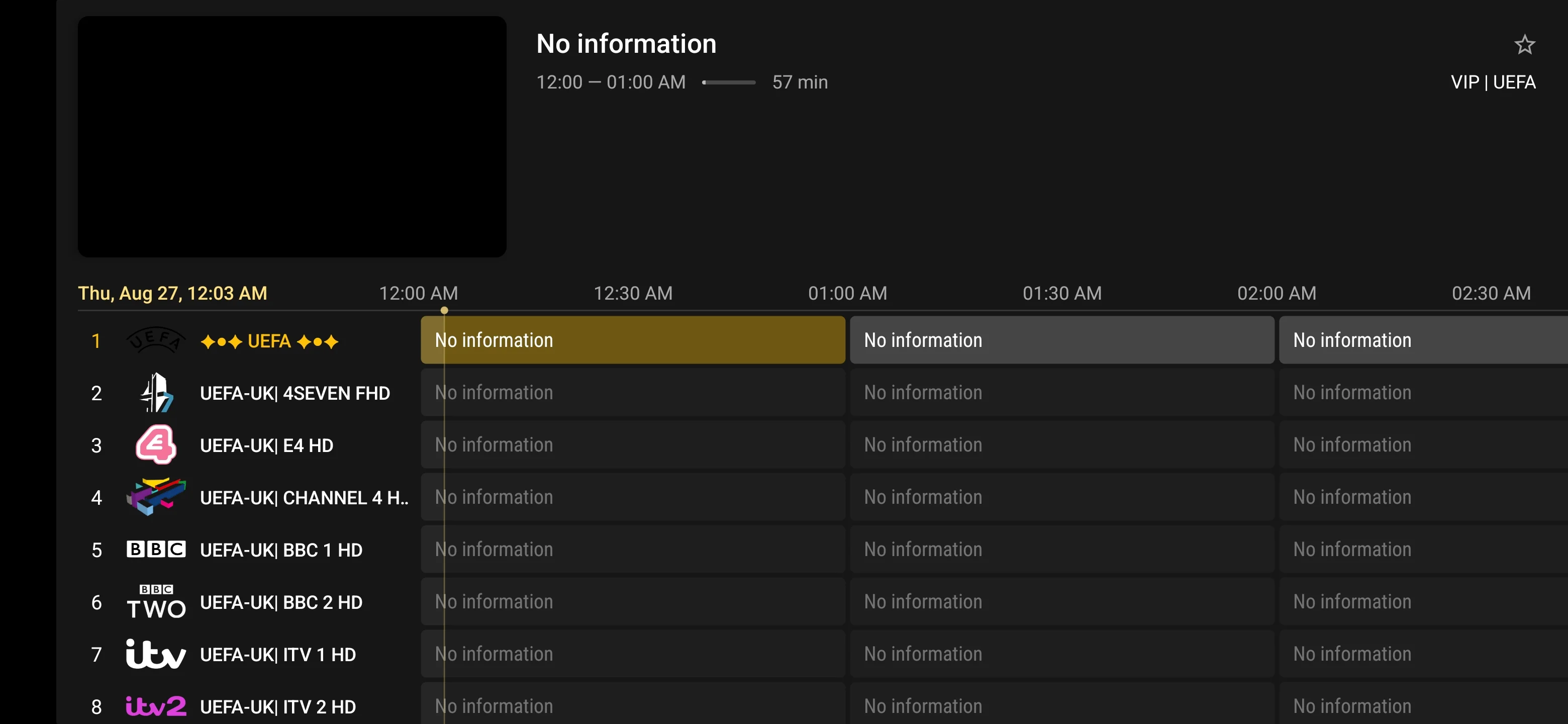
Follow the MegaOTT TiviMate setup guide for Android TV, Google TV and Amazon Fire TV. Learn how to enter your IPTV login, load a playlist, refresh channels and configure the electronic programme guide.
MegaOTT TiviMate Guide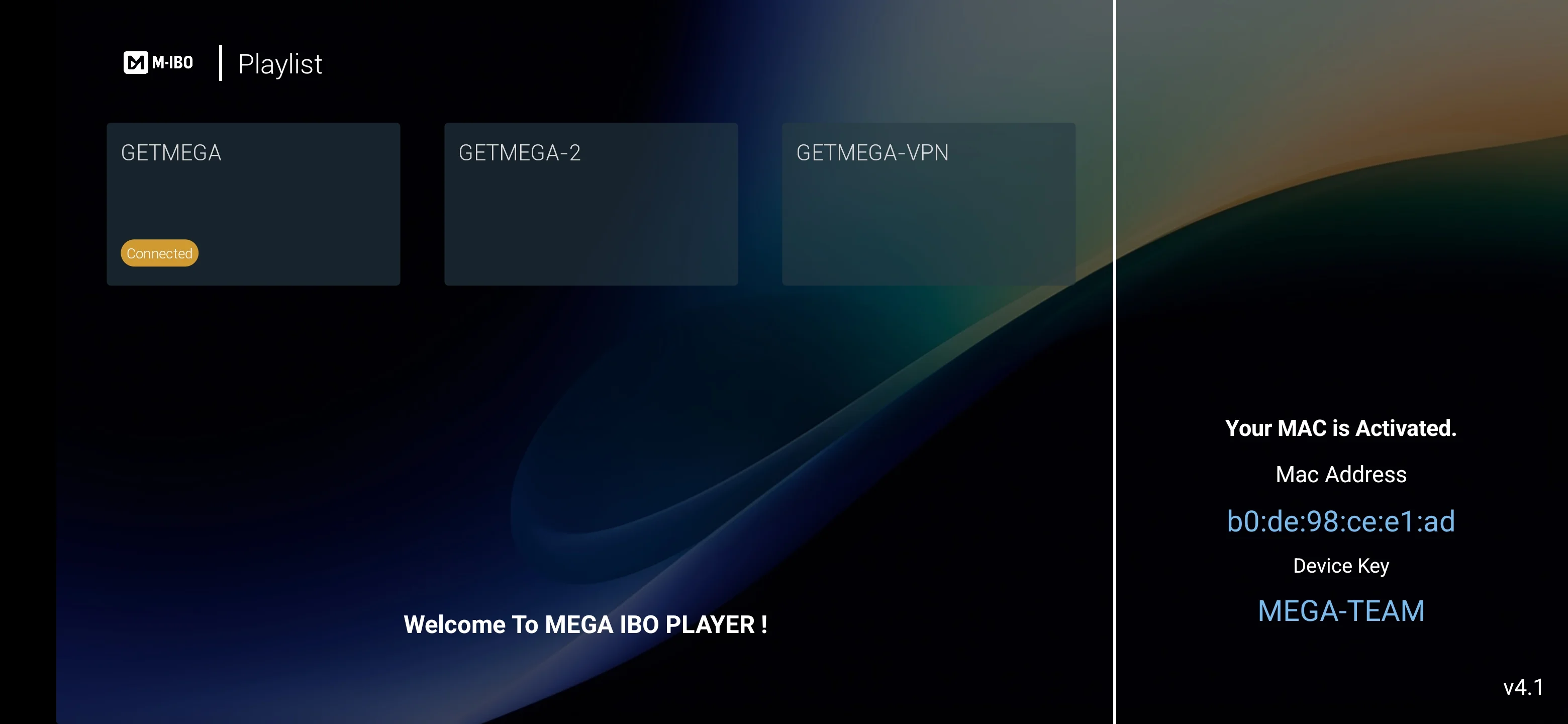
Use the MegaOTT IBO Player guide to understand app activation, device identification and IPTV playlist setup on compatible Samsung Smart TV, LG Smart TV and other supported television platforms.
MegaOTT IBO Guide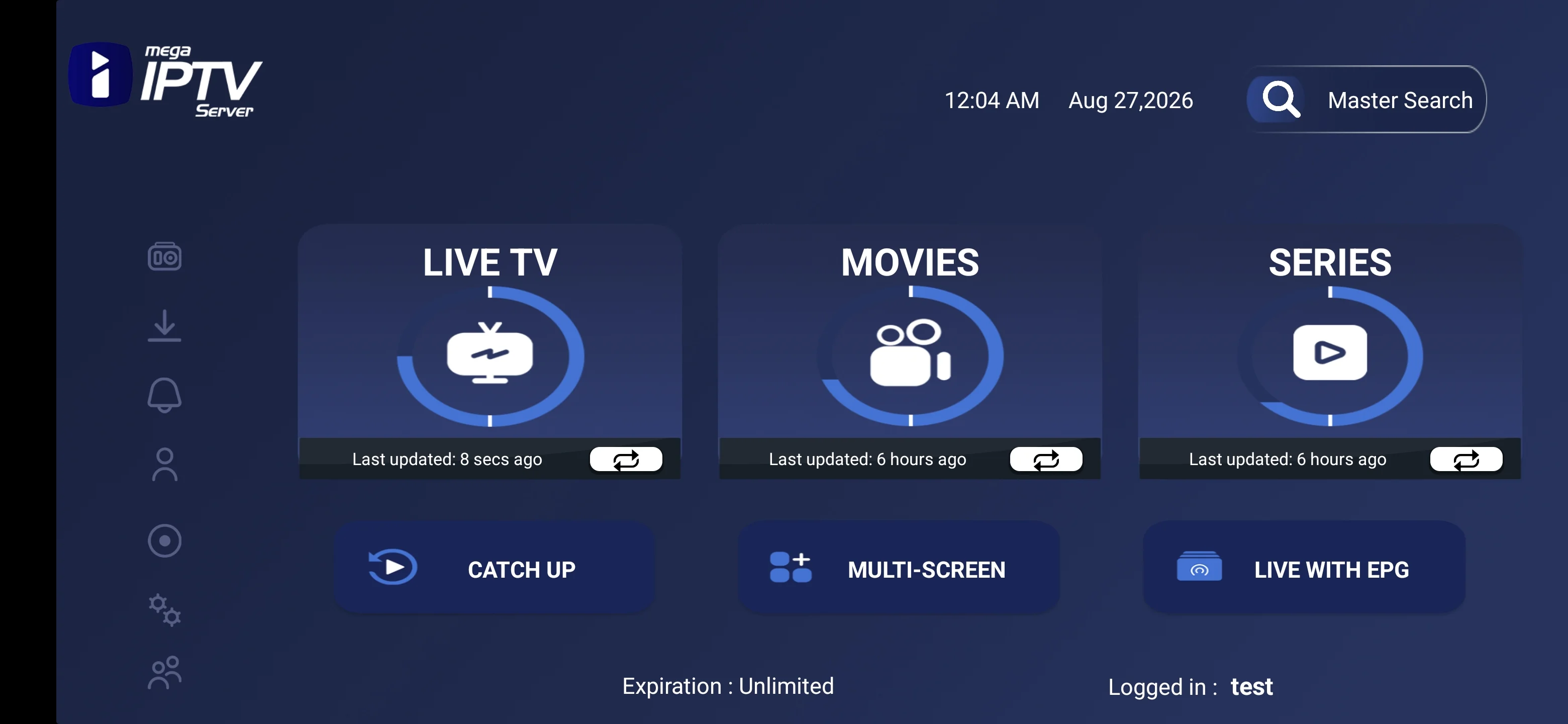
Follow the MegaOTT Smarters setup guide for supported Android devices, iPhone, iPad, Smart TV, Windows and macOS. Learn how to sign in, refresh categories and access live TV, movies and series.
MegaOTT Smarters GuideChoose a compatible player and follow the setup guide for your device. App availability may vary by operating system, model and app store region.
Select a supported app that fits your device and preferred interface.
Use the 24-hour trial first, or choose a subscription period.
Enter the supplied account information in the compatible player.
Check the channel groups, guide data and picture quality on your normal network.
Picture quality depends on the source stream, available bitrate, your player, device capability and local network conditions. Headline internet speed alone does not guarantee consistent playback, so test the full setup during the free-trial period.
A stable connection around this level can support many HD streams, but source bitrate and other household traffic still matter.
Allow additional capacity for Full HD, especially when other devices are downloading, gaming or streaming at the same time.
4K availability depends on the source and hardware. A wired connection or clean 5 GHz Wi-Fi signal can improve consistency.
Packet loss, unstable Wi-Fi and router congestion can interrupt playback even when a speed test reports high bandwidth.
Use this free-trial page as the starting point, then open the device, app, channel, pricing or support guide you need next.
Use the trial results to make a practical decision. If playback, device compatibility and your must-have categories work well, compare subscription periods. If something did not work, review the relevant setup or troubleshooting guide before ordering.
If the service performs well on your real setup, compare the 1, 3, 6 and 12-month options and choose only the period that matches your needs.
If login, EPG, app navigation or playback was not working as expected, identify the problem before purchasing a longer plan.
A trial is most useful when you test the same device, player, connection and content categories you intend to use after subscribing.
If the 24-hour trial works well on your device, player and normal connection, compare the current 1, 3, 6 and 12-month MegaOTT IPTV plans below. Displayed amounts are the listed USD prices after the stated 25% discount.
$6.99 / 1 month
$16.99 / 3 months
$29.99 / 6 months
$44.99 / 12 months
When you request or test a trial, describe any problem precisely and include the device model, operating system, player name and connection type. This helps support separate an account-entry issue from an app, network or single-source problem.
Answers about requesting the trial, compatible apps and devices, picture quality, EPG, internet speed, troubleshooting and what to do after testing.
The MegaOTT IPTV 24-hour free trial is temporary service access intended to help new users test a compatible player, their main device, important live TV and on-demand categories, programme-guide loading and normal network performance before choosing a paid plan.
The trial period is 24 hours. Use the available time to test the same device, IPTV player and internet connection you expect to use after subscribing.
Request the 24-hour trial through MegaOTT WhatsApp support and include your device type and the IPTV player you plan to use so the setup guidance can be more specific.
Test account login, category loading, several live TV groups, movies and series, search, EPG data where available, picture-quality options and playback stability on your normal home network.
MegaOTT provides setup routes for major Smart TVs, Amazon Fire TV, Android and Google TV, Android phones and tablets, iPhone and iPad, Windows, macOS and supported streaming boxes. Exact app availability can vary by device and region.
Use a compatible IPTV player available for your device. MegaOTT provides guidance for MegaOTT TiviMate, MegaOTT IBO and MegaOTT Smarters, plus other compatible player options.
You can test the picture-quality options available for the selected source. Actual SD, HD, Full HD or 4K playback depends on the source feed, player, device capability and network conditions.
Where programme-guide data or catch-up is available for the selected source and supported by your player, use the trial to confirm how those features load and behave on your setup.
Connection stability matters more than a single speed-test result. As a practical starting point, allow around 10 Mbps for HD, 15 to 25 Mbps for Full HD and 25 Mbps or more for 4K, with additional capacity for other household traffic.
If the service works well for your device, player, preferred categories and connection, compare the current paid subscription periods on the MegaOTT pricing page. Testing the service does not by itself require you to choose a longer plan.
Test several unrelated channels or on-demand items before changing device or router settings. If most content works and one source does not, the issue may be limited to that source. If many streams fail, compare your network, player and account details.
Send the device model, operating system, IPTV player name, Wi-Fi or Ethernet connection type, the affected category and any exact error message. Keep private account credentials out of public messages and screenshots.
Tell support which device and compatible player you plan to use. Then test your important categories, guide data, available picture quality and normal internet connection before selecting a longer plan.
If your device, player, must-have content categories and normal network perform well during the trial, compare the current MegaOTT subscription periods. If not, use the setup and support guides before ordering.